
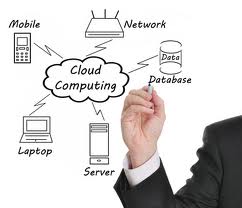
PC Assistants just implemented the BarracudaDrive cloud server. Before I describe this installation’s benefits to our clients, let me first define the new computer term, “cloud.” It means remote storage. Just like one protects essentials such as a will, birth certificate, and social security card by placing them in a safety deposit box, so can one protect their digital files—like ten years worth of taxes—by storing them on a cloud server.
All computer users should consider backing up their important files regularly via thumb drives, CDs, DVDs or an external drive. If those back-ups, however, are kept at the same site as the computer, then all could be lost should a hurricane, flood, fire, tornado, etc., come visiting. With the advent of cloud servers, (we also recommend the Carbonite backup service), then the safety of data is practically guaranteed.
The BarracudaDrive cloud server will help PC Assistants and our clients in several ways. From any site, we can now access software tools and diagnostics that once were only accessible at our repair shop. That means less waiting time accessing tools.
Whenever possible, we make a backup copy of client data files (documents, photos, music, etc.) before major computer repairs such as disk drives and motherboards. These files are kept on the server for a client-specified number of weeks (usually 3-4). If we need to access a file, we can log into the cloud server to download the file.