

(This Is Part 2 of a Two-Part Series on Cybersecurity.)
Now let’s take a brick-and-mortar look at cybersecurity—the details.
The subject of Passwords is an albatross for almost everyone. We need them, but it’s difficult to securely document them. Please use strong and unique passwords for important logins. Most prompts when creating new accounts will advise using a mixture of upper- and lower-case letters, numbers, and special characters. Please avoid using names, birthdays and names of pets. 123456 is not a secure password; neither is 654321. Please at least separate passwords into categories, i.e. don’t use the same User ID and Password for your financial partner as your library card.
There are several really good software password managers. Consider using Multi-Factor Access whenever possible. Yes, it slows the logon process but may also thwart a hacker.
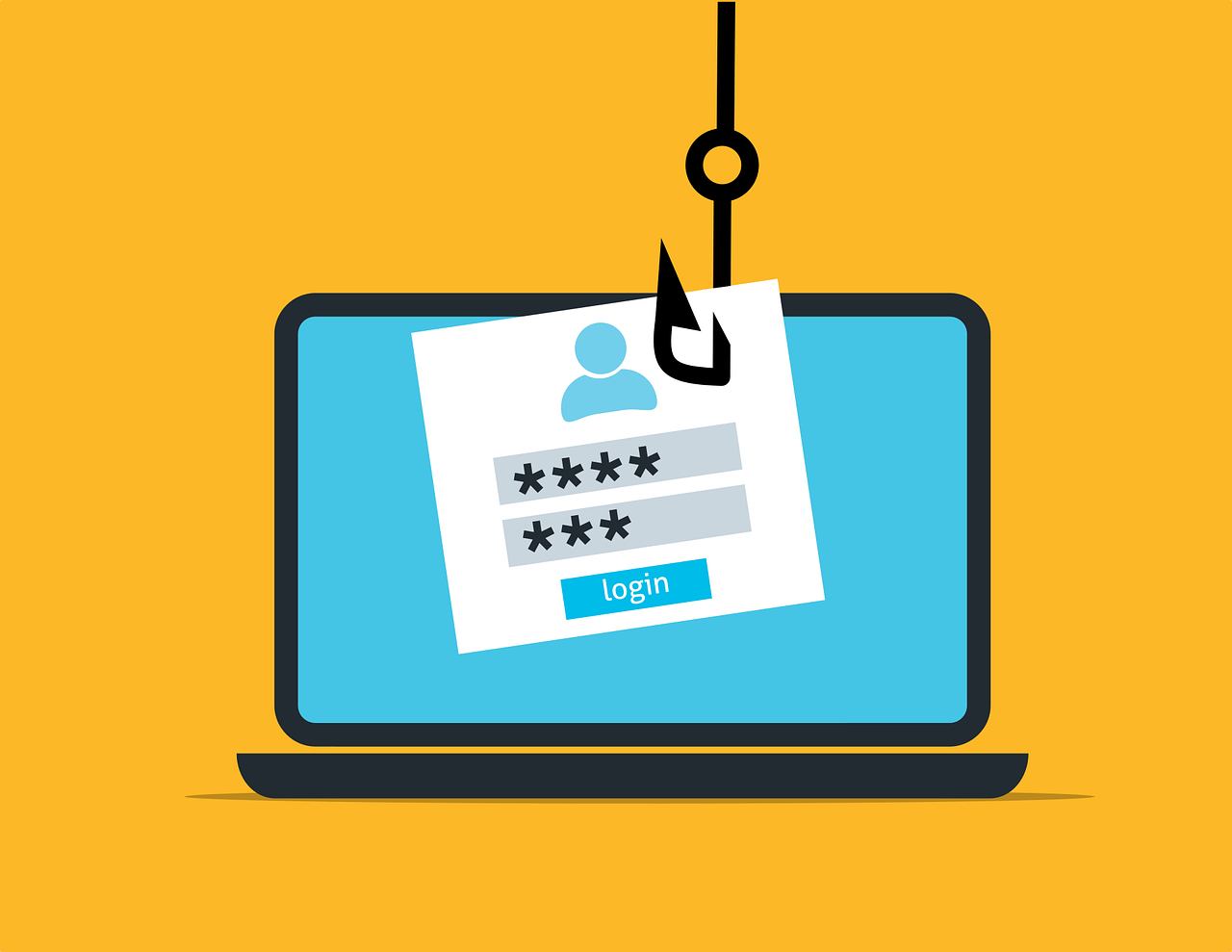 Educate yourself and your employees on how to avoid Phishing attempts via email and suspicious web links. Did you know that most Internet browsers will show you the link destination if you hover the computer cursor (but do not click) a link?
Data Backups are essential! The nature of your business will help formulate a backup plan. Backups may be needed each day or once each week or just monthly. You can choose on-site or off-site (Internet or so-called Cloud) utilities. Some high-volume businesses do backups every hour.
Having created automatic backup protocols and having them running is only a portion of the work. The backups need to be periodically verified. Are the backups actually working? (Did anyone check to see if the backup device might be full or if the off-site subscription has expired?)
You may want to implement Data Encryption for important or sensitive data that will be transported using public networks or mobile devices. Likewise, you may want to employ a VPN (Virtual Private Network) utility when operating on a “foreign” network such as a hotel or motel or restaurant.
While some Software Updates are cosmetic or for new or improved features, many are for security reasons. Keeping your operating and specialty software up to date can be an effective preventative step.
Most current operating systems such as Windows and OSX have Antivirus Protection built-in. Having a separate utility such as Norton or McAfee or AVG has become less of a requirement, but is still recommended. Microsoft and Apple have many, many ongoing projects every day. Norton or McAfee or AVG and dozens of antivirus providers do one thing very well. They track, investigate, and determine how to discover and neutralize viruses and other malicious software as their primary business. And they provide updates to their detection modules frequently, sometimes multiple times per day when needed.
 Employees are an important business asset. Educate them on how to recognize a Phishing scheme or odd links on a website. Recall an old saying: “An ounce of prevention is worth a pound of cure.” Keeping employees aware of the latest hacker threats and best practices to avoid them is time and money well spent.
Having company Policies in place will help in terms of administering plans and procedures as your business grows. Passing that information by word-of-mouth tends to dilute the accuracy and importance.
Wi-Fi Modems & Routers are popular attack points for hacking. Please take the necessary time to examine and possibly change the login credentials for these devices. Early high-speed modems and routers typically came with one of two “Default” login pairs (User ID / Password): ADMIN / ADMIN or ADMIN / PASSWORD. Remember: These devices are the first defense a hacker encounters from outside your network.
Having a Guest Network available to visitors to your business is both thoughtful and secure. With a guest network, visitors can access the Internet but not devices connected to and using your computer network. Think of it as another hurdle a hacker would have to clear to get to your computers.
Periodic reviews of your business are always a good idea. Here are some typical review questions:
• “How are the new products doing?”
• “Do we need to change our time or equipment allocations?”
• “Has there been a significant change in quantity demand that we are having difficulty handling?”
• “What new or different tools would help us?”
• ”Do we have the right people in the right jobs to keeps things running efficiently?”
To this list I’d like to add a few more questions of my own:
• “Have we made any changes or brought in new equipment that may affect our cybersecurity?”
• ”Are there any new cyberthreats we should be aware of?”
• ”When were our most recent cybersecurity education sessions?”
Cybersecurity is technical and tedious—no doubt about it. But the more you ignore it, the more vulnerable you become. There are professionals who can help, and as a business owner, it’s essential to educate yourself enough to ask the right questions and take the first steps.
To get started, you just have to take it seriously. By approaching cybersecurity as part of your overall business health strategy, you reinforce your commitment to customers, employees, and partners. Start with the basics, seek trusted support when needed, and make it a regular part of how you operate. The cost of prevention is far less than the cost of regret.
Please contact me if you’d like to discuss anything in this post and/or would like to schedule help with your cybersecurity.
~ Bill
See Part 1 of This Series on Cybersecurity. It will give you an overall view of cybersecurity.
Still need convincing you need proper cybersecurity? Read Weak Password Allowed Hackers To Sink a 158-Year-Old Company.