by Bill Hand | Jan 20, 2017 | Computer Problems, Uncategorized
Cover Your Webcam
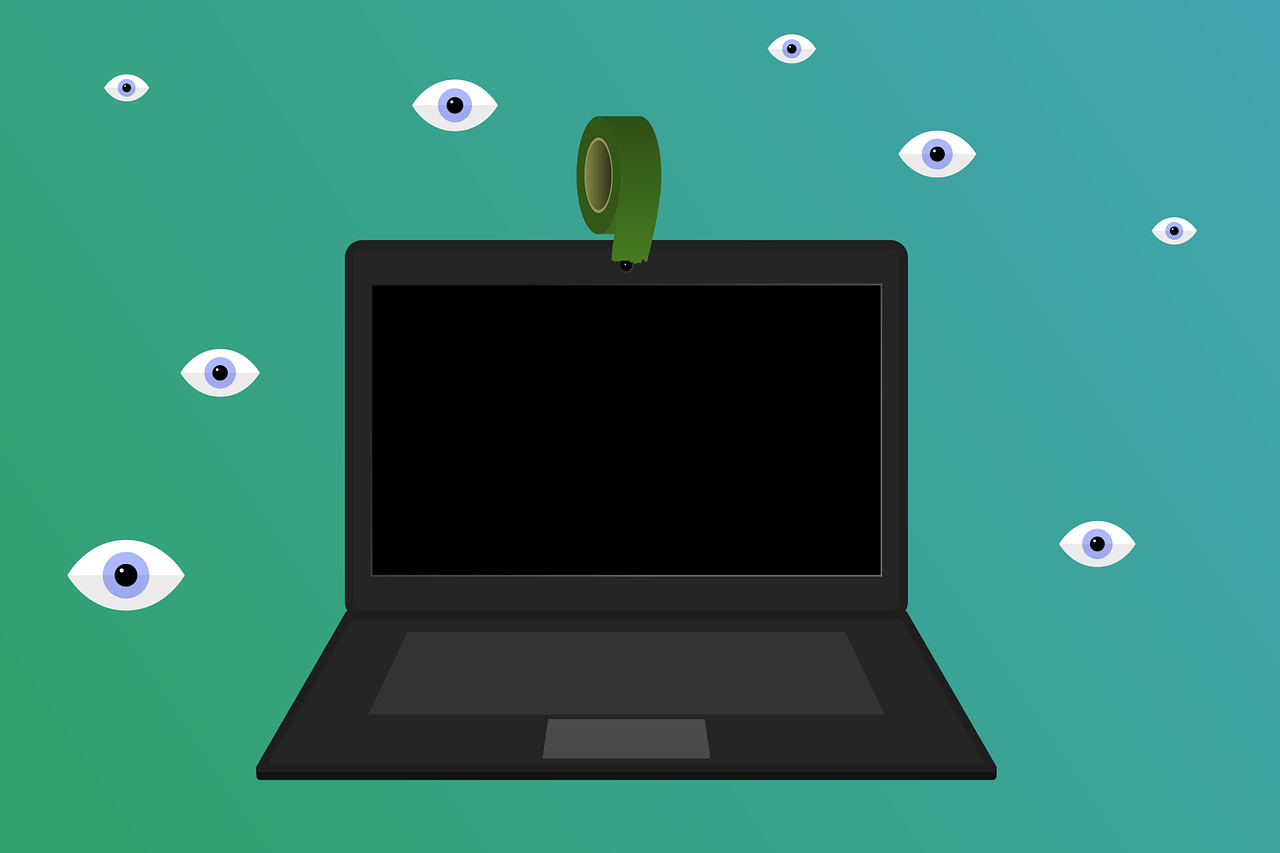
Malicious software exists that allows computer hackers to commandeer your webcams and turn them into bugging devices. At the very least, that means your private life becomes public.
To avoid that happening, take the lead from Mark Zuckerberg and James Comey (yes, they do this): cover your webcams. And do the same with your teenagers’ computers.
For details, read more here:
What’s the Best Way to Cover Your Webcam?
Mark Zuckerberg Tapes Over His Webcam. Should You?

by Bill Hand | Oct 1, 2016 | Uncategorized
 Scam 1
You’re checking email or browsing your favorite sites when all of a sudden the screen is filled with a dire message:
“Your computer is severely infected with dangerous viruses. Immediate action is required to remove these threats. Do NOT turn off your computer. Call the Microsoft technical support phone number below for help!”
You can’t “X” out of the message on the screen and other common techniques for “unsticking” a stuck computer such as CTRL-ALT-DEL don’t work.
Scam 2
After answering your phone, you hear the following:
“Hello. I am a Microsoft support engineer and our network security programs have detected that your computer is severely infected with dangerous viruses. Immediate action is required to remove these threats. Do NOT turn off your computer!”
It’s All Part of the Ruse
In either scenario, the scammers next persuade you to grant them access to your computer via a remote support website. Once connected, you’re shown a number of files you’ve never seen before and are told these are very dangerous and must be removed immediately.
The technician then explains, “We need to install high-power anti-virus and anti-malware programs. Then you’re quoted the price for 1, 2 or 3 years of “protection.”
This is Where You Get Into Big Trouble
If you agree to purchase the protection, you’re asked for your credit card information, or, to save a few dollars, your bank checking account number and routing number. Once the transaction is confirmed, you’re assured everything will be OK.
Avoid Trouble by Asking Yourself These Questions
Most people have, at one time or another, needed to contact some company’s tech support. Usually you have to wait; sometimes for a long time. Do you really think Microsoft has people sitting around watching for problems with your computer? Do you further imagine that a technician then sends your computer a crippling screen message or calls you to provide immediate assistance?
Have you ever heard of the protection software the technician wants to install on your computer? It certainly won’t be a well-known anti-virus such as Norton, McAfee, AVG, Avast or a dozen other good quality programs. And it won’t include well-known anti-malware software such as Malwarebytes, Spybot Search & Destroy, AdAware, Super AntiSpyware or a dozen other tools.
Does the price seem reasonable? There are many free anti-virus and anti-malware programs and the paid programs typically cost $49-$69 per year and may provide coverage for up to three computers at your home or facility. If you’re quoted $149-$299 per year for this unfamiliar software, does that make sense?
(I suggest you think about the quoted price in terms of purchasing a new computer. A typical new desktop computer can be had in the range of $350-$450. If you were quoted $897 for three years of protection, that same dollar amount could buy you two new computers.)
Did you ask about the refund policy? With most purchases, especially those resulting from unsolicited email or phone calls, consumers have some refund or money-back rights. Some “technical help” operations will even provide a contract for you to review and (electronically) sign. Did the refund section indicate you are entitled to a FULL refund within a defined number of days; typically 3 to 7 days? If a FULL refund is not mentioned, how much will be refunded if you decide you want to cancel the purchase?
If you are running OS X (and not Windows), why are you talking to someone about Windows support?
The Scammers’ Big Advantages
The weapons used against you at the outset of either scam were surprise and fear. I hear it often from my clients, “The phone call came out of the blue.” “It was on my screen when the computer started.” “They said my computer would be ruined if I didn’t act fast.” “They said my computer was violating laws regarding Internet use.”
These Are Your Secret Weapons
Calm thinking, a little research and your computer’s OFF button.
Your Steps In Case of Scam #1
- Write down the company name and phone number that appear in the scam screen message.
- Turn off your computer in the usual way. If that doesn’t work, press & hold the power button for 5 – 6 seconds.
- After you power up again, do an Internet search on the “assistance” company.
- Do an Internet search on the phone number on the screen. There are many sites that catalog phone numbers of suspected scam operations.
Your Steps In Case of Scam #2
- If they called you and want to connect with your computer, ask for a call-back number so you have time to research a bit. If they will not supply a call-back number, hang up!
- If things sound legitimate, ask for the product name(s) or provider(s) of any software you are asked to purchase. Then ask for a call-back number so you can research the software.
- Ask about the refund / cancellation policy. If they have a refund policy, ask how much will be refunded. Does recovering just $400 of your $600 purchase seem like a fair refund?
- Contact a technical support person or company you know and trust (like PC Assistants). Describe what happened and ask for an opinion and advice. Since the scam operators typically work a specific area code or codes, local support operations are likely to have encountered the scam already.

by Bill Hand | Jan 25, 2016 | Gmail
 Just like birds chasing after bits of colored string, many people spend lots of time searching for the next great app or software package. They spend little time learning all about the wonderful functionality they currently have at their fingertips, like Google Mail.
While working with a client who wanted to move her mail from one account to another, I came across an article entitled, “Over 71 Gmail Tips & Tricks To Make You A ‘Gmail Ninja.’”
Filled with good stuff, the article gives a brief summary on each tip and then provides all the necessary links for details and step-by-step instructions. Do you know how to personalize your signature? Use filters to automatically organize your inbox? Save time with “Canned Responses”? If not, here’s an opportunity to learn how and get the most use out of your Google Mail.
If, after reading the article, there isn’t one tip you don’t already know about, contact me. I want to be able to say that I, indeed, know a “Gmail Ninja.”

by Bill Hand | Dec 21, 2015 | Uncategorized
Mailing lists are essential, especially this time of year when we’re eager to send out holiday greetings to family, friends, colleagues and clients. Excel is a spreadsheet program that can be used as a database that many of our clients use to maintain such a list; it’s a software package I highly recommend. In turn, my clients have told me that Avery is the service they use to create labels from their Excel data. And, after doing work with these clients on their holiday card projects, I’d have to say that Avery does provide an excellent service.
Like other on-line sites, Avery nicely guides you through the label design and print process. What I especially like, however, is that it provides the option for users to maintain full control of their data. I tell my clients they have chosen their service wisely when they use Avery. (By the way, I have no affiliation whatsoever with Avery.)
If you’d like one of us from PC Assistants help you create an Excel database for a mailing list, contact us now. Of course, we can also help you merge that data with the service/software of your choice.
If you start next year’s holiday shopping on December 26, why not get a head start on compiling those important addresses? To get you motivated, take a look at Avery How to Go From Mailing List to Address Labels.

by Bill Hand | Nov 9, 2015 | Uncategorized
 Take a look at this website’s banner. Do you see a background of two digits: 0 and 1? They’re the foundation (called a binary system) for all computer digital circuits that have just two states: Off (0) and On (1). Computers perform their functions by reading patterns of bits — the 0s and 1s.
Working with just 4 bits, we can represent the numbers 0 to 15. The 0s and 1s are read from right to left, and with each move to the left, the value of bits increases by a factor of 2. Let me show you what I mean:
Numeric value of bit: 8 4 2 1
Number represented: 0 0 0 0 = Zero (0+0+0+0=0)
0 0 0 1 = One (1+0+0+0=1)
0 0 1 0 = Two (0+2+0+0=2)
0 0 1 1 = Three (1+2+0+0=3)
0 1 0 0 = Four (0+0+4+0=4)
0 1 0 1 = Five (1+0+4 +0= 5)
0 1 1 0 = Six (0+2+4+0=6)
0 1 1 1 = Seven (1+2+4+0=7)
1 0 0 0 = Eight (0+0+0+8=8)
1 0 0 1 = Nine (1+0+0+8=9)
1 0 1 0 = Ten (0+2+0+8=10)
You can add and subtract with the binary system, too. (It’s different from the base 10, or decimal, mathematics we were all taught.) For example:
1100 (12 decimal) 0111 (7 decimal)
– 0111 (7 decimal) + 0101 (5 decimal)
0101 (5 decimal) 1100 (12 decimal)
Some recent supercomputer designs are experimenting with using light instead of electronic circuits. Since light can have many discreet intensities, a single light channel can represent many different numbers.
Plus, light does not generate as much heat as digital circuits so light-based computers could run much cooler that current designs. Some laboratories are also experimenting with chemical-based designs.
(Come on…admit it. This is fun stuff to learn!)
